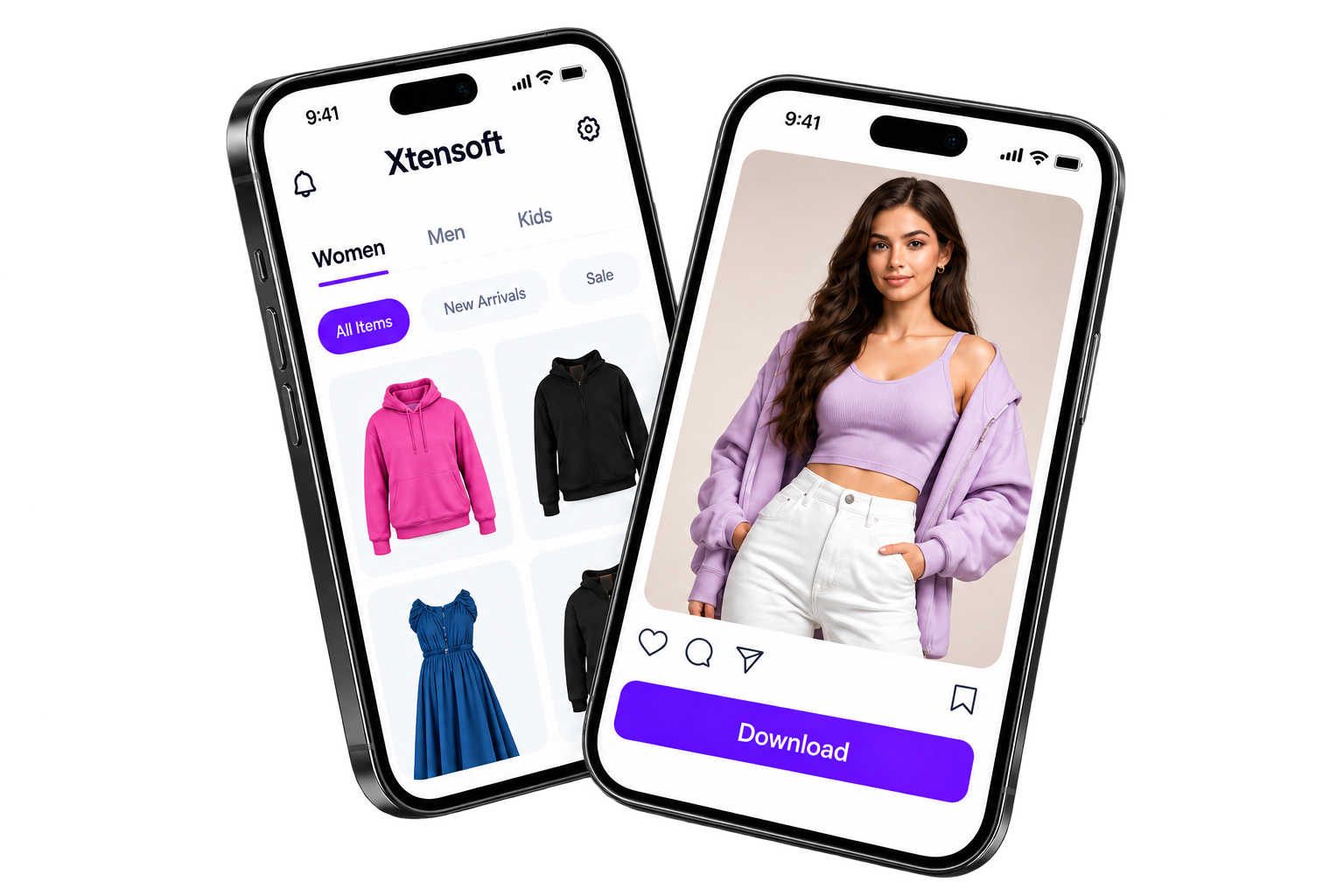
Product-led creation
Start with your garment reference and the details that matter.
01

✦ AI FASHION CONTENT WORKSPACE
Upload your product reference, create a professional product catalogue and social media content from a single platform.
View Pricing
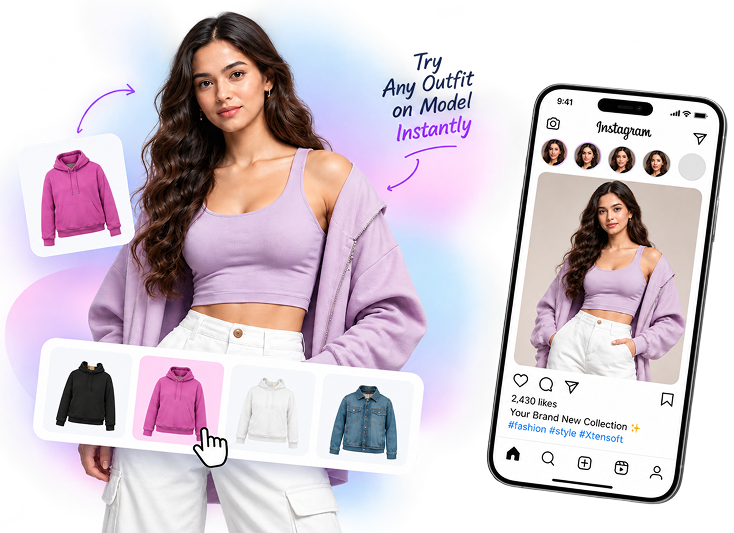
XTENSOFT WORKFLOW
Start with your garment reference and the details that matter.
01
Choose the presentation, styling, format, and brand kit for each draft.
02
Keep media, captions, feedback, and approval decisions together.
03
Plan and publish posts directly to your connected Instagram account.
04SIMPLE STEPS
Create product Catalogue and Social Media Content in easy steps.
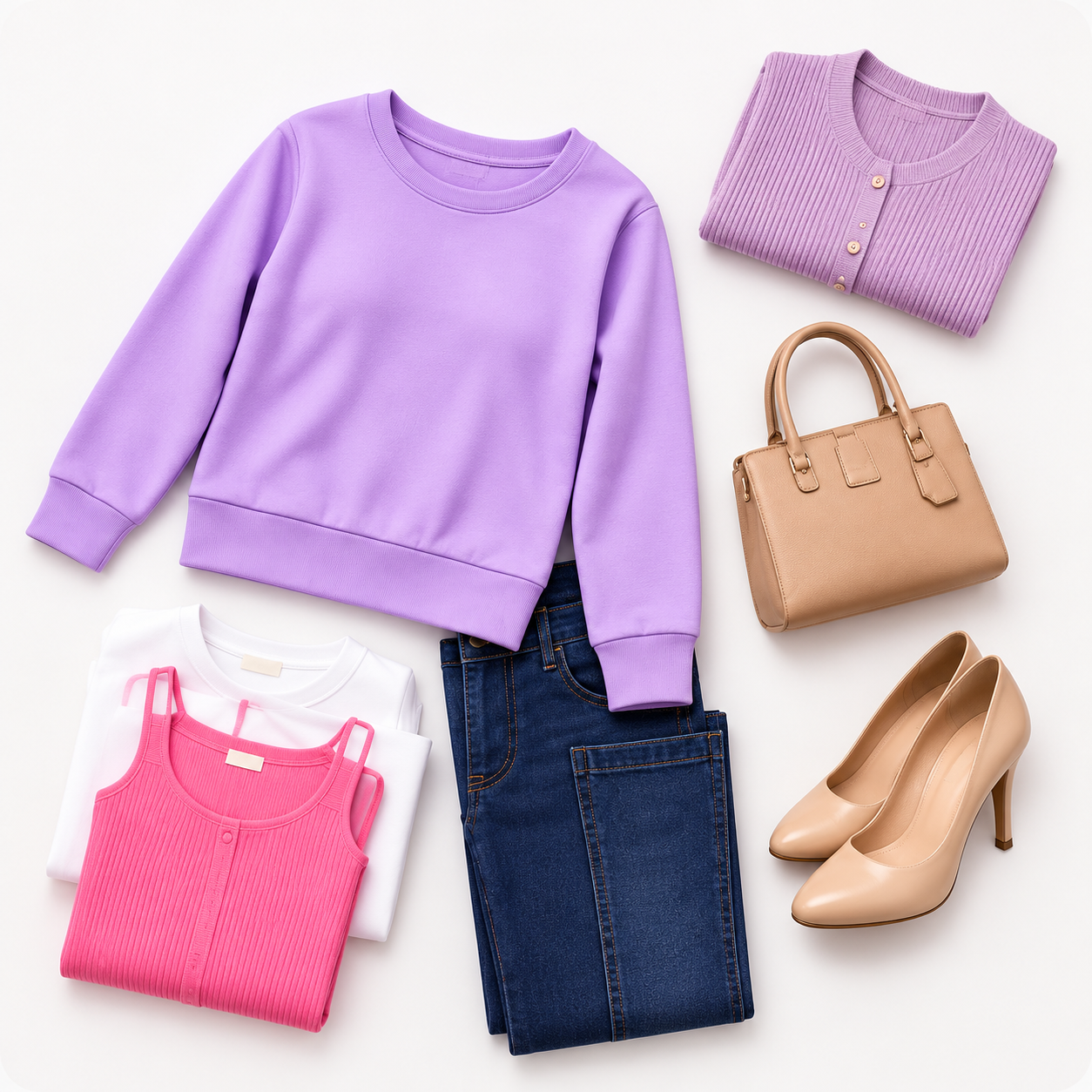
Upload a product reference and enter the garment details.
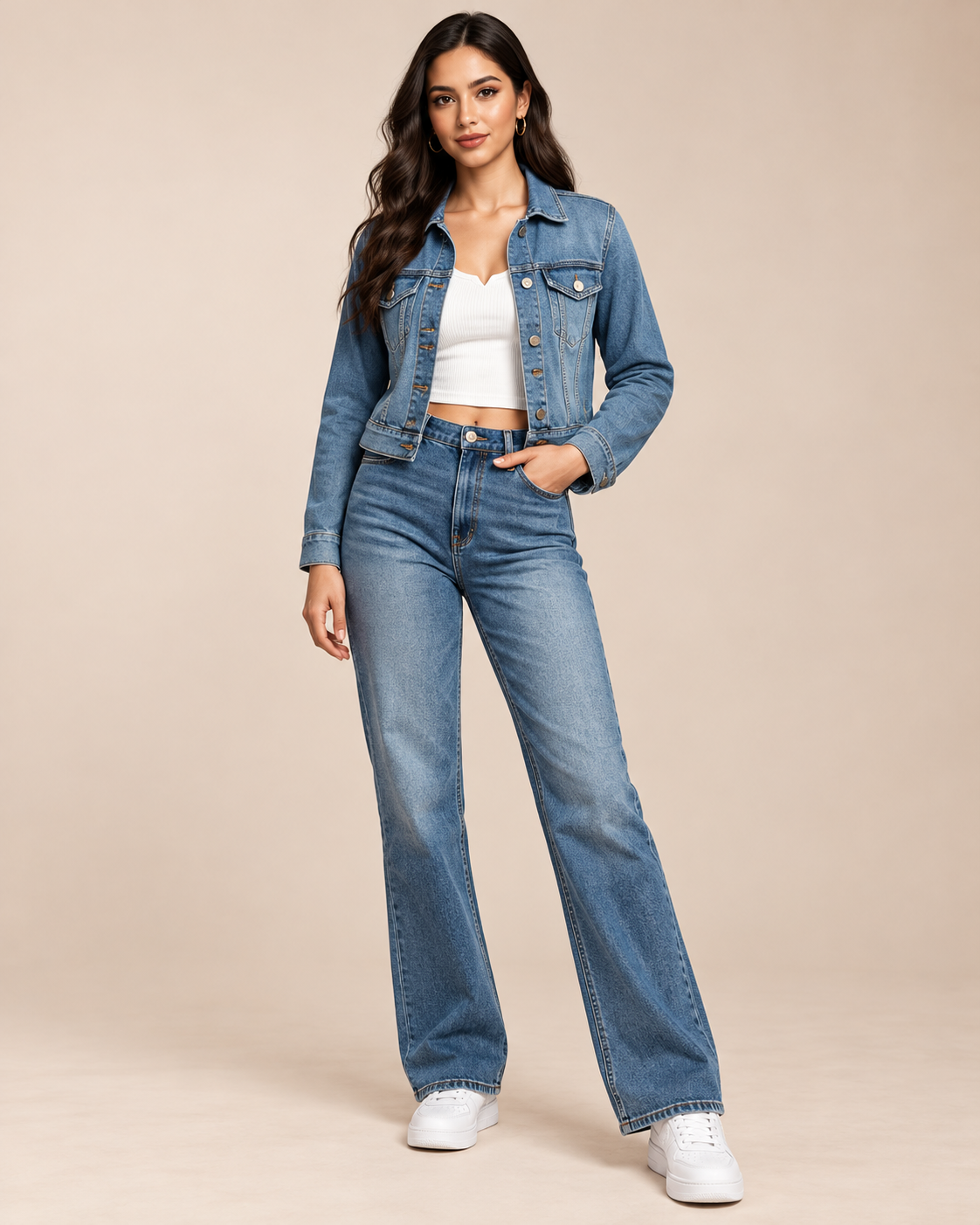
Choose the output type, presentation, styling, and format.
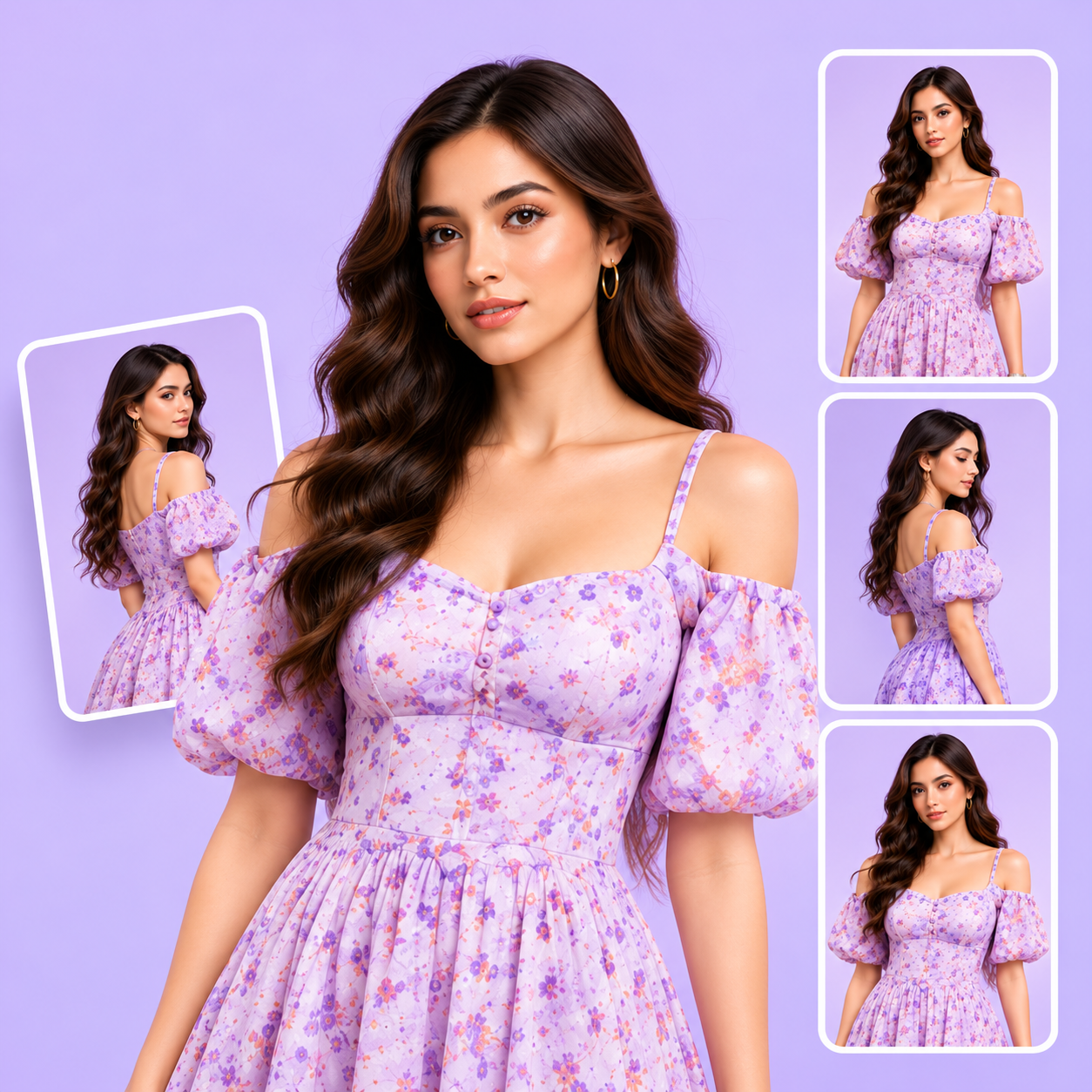
Use Product Catalogue to create Social Media Content.
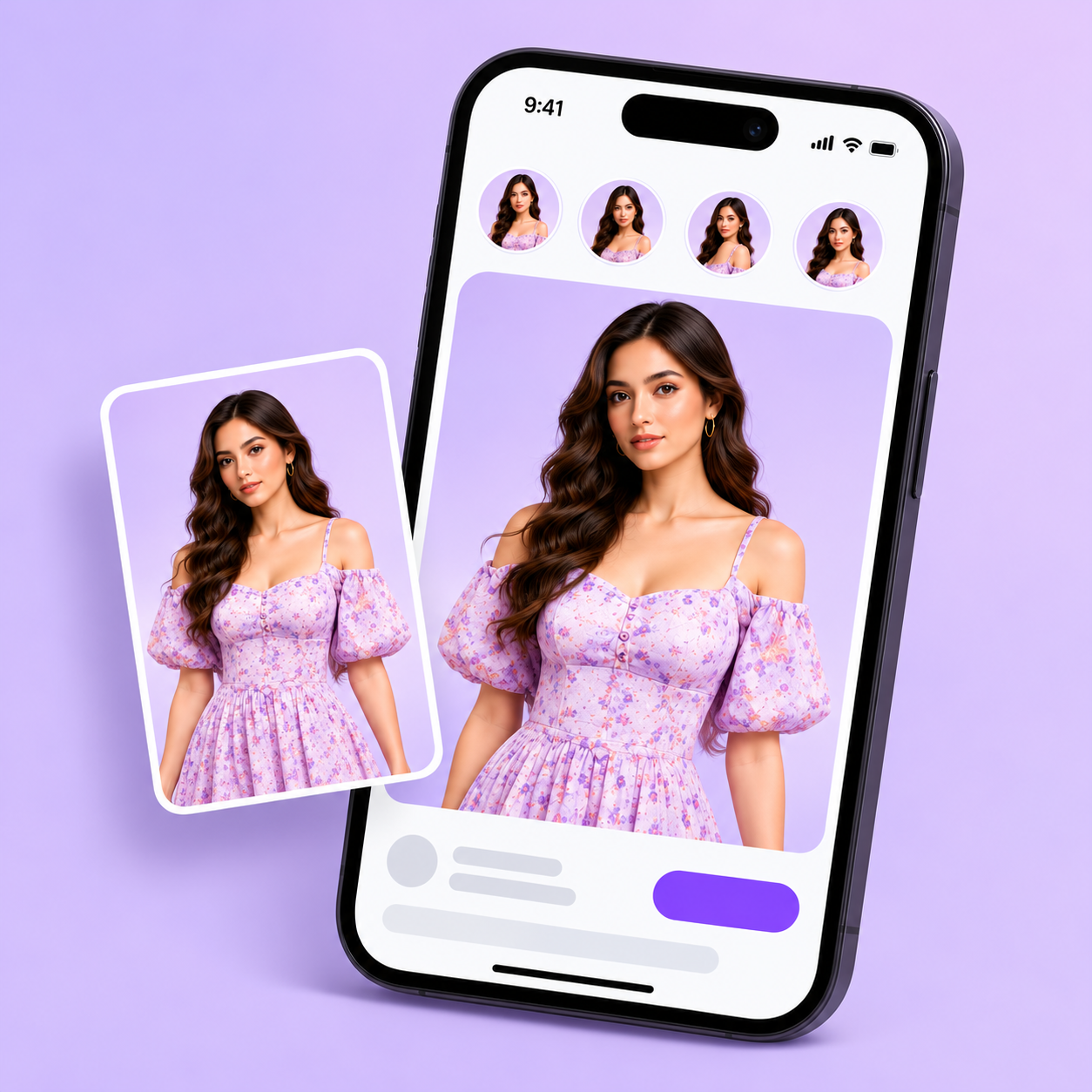
Review posts and publish or schedule directly to your social media account.
CONTENT FORMATS
Use your product references to prepare catalogue visuals and social-ready posts.
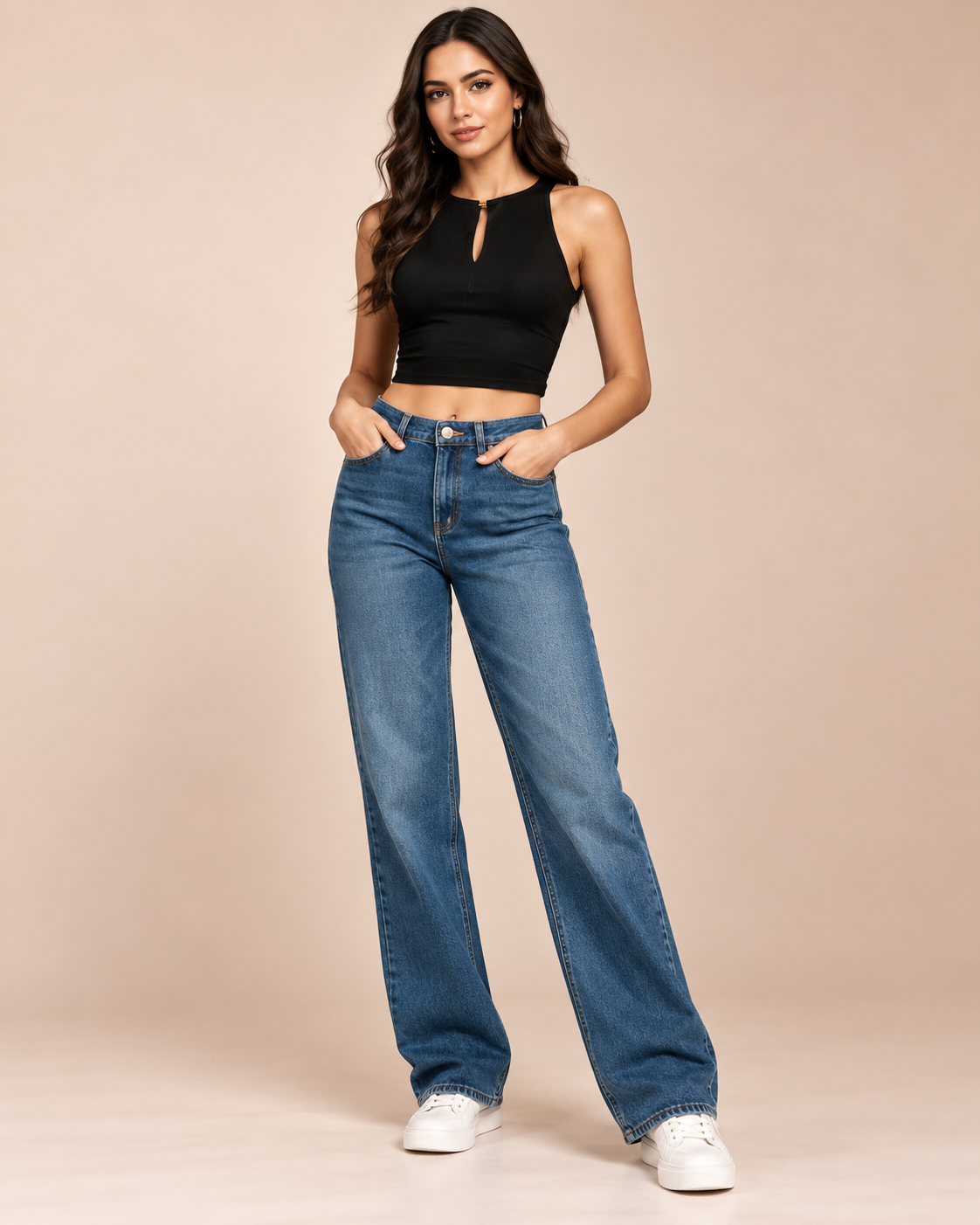 Catalog Images
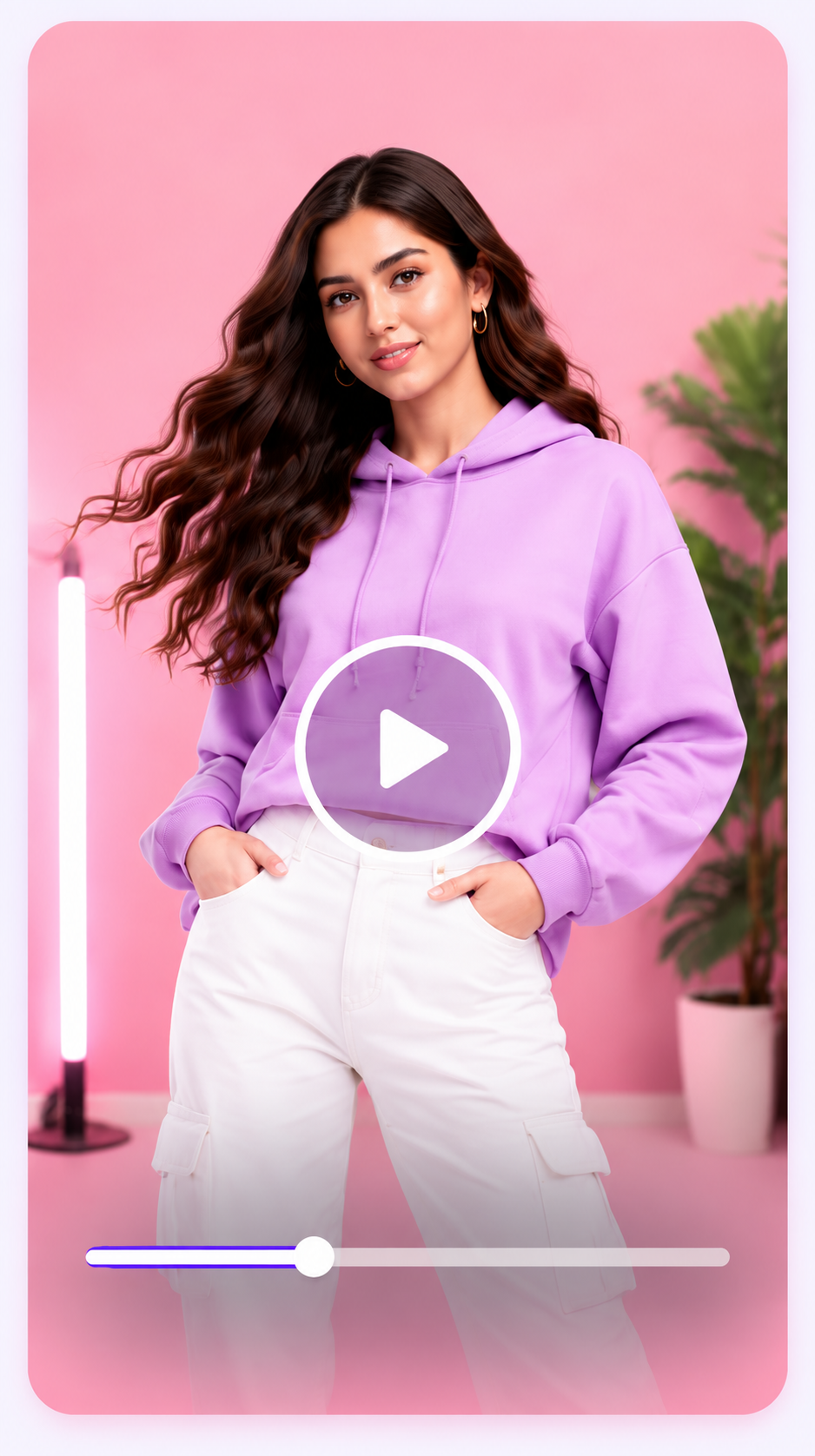 Product Video
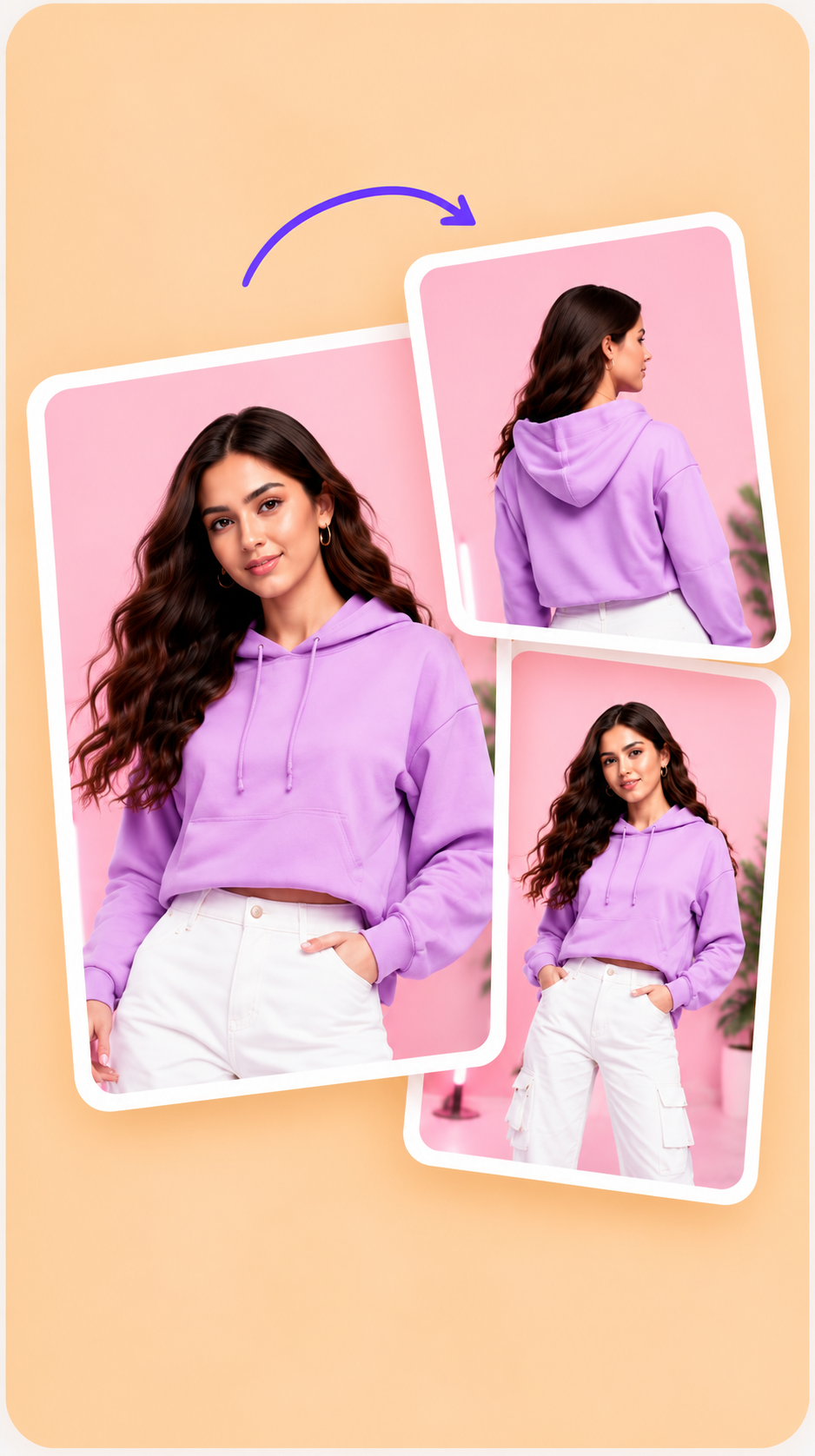 Carousels
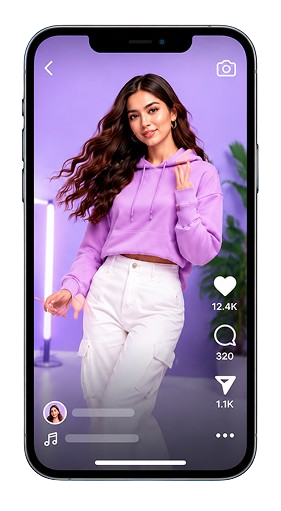 Reels
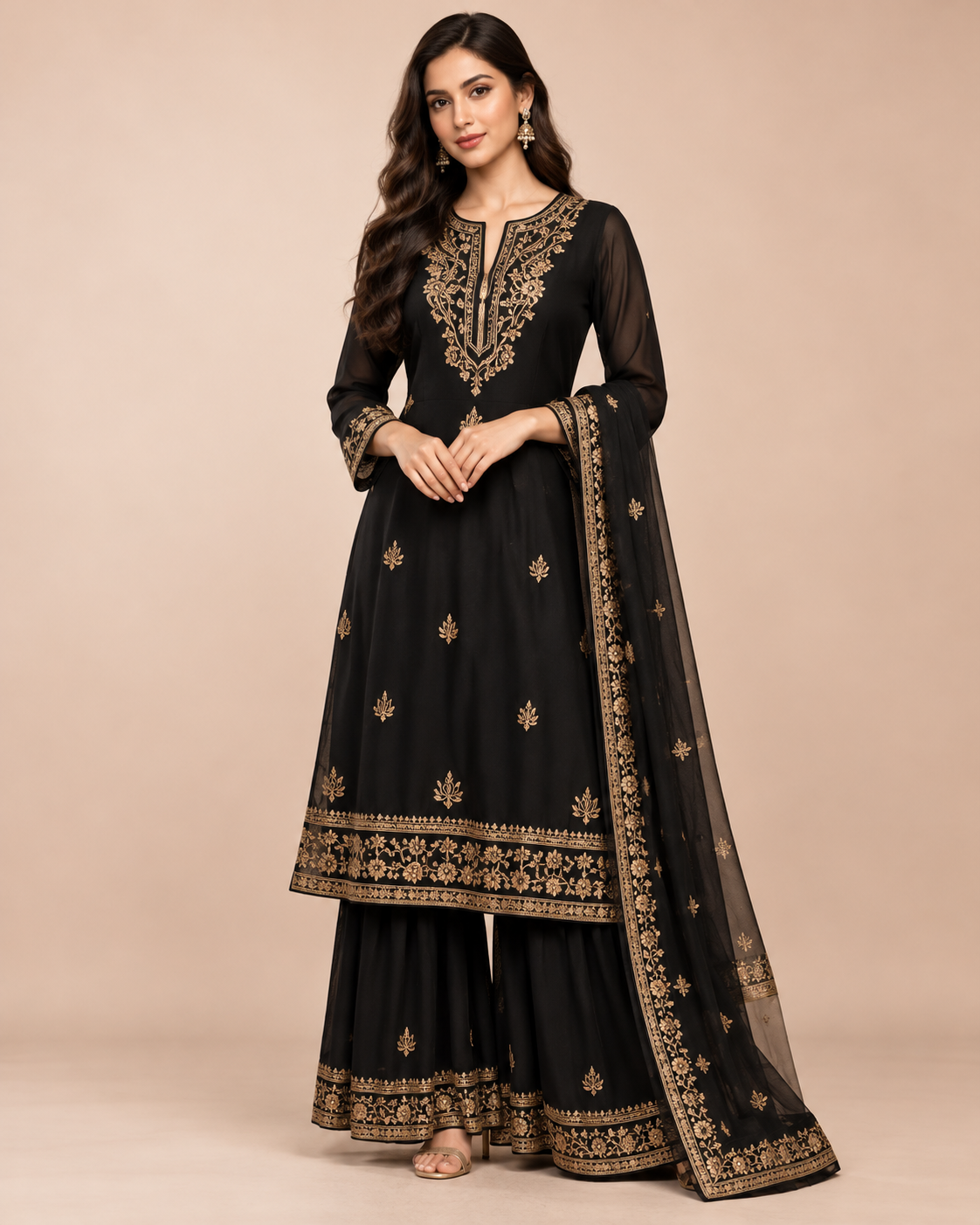 Brand-ready content
PRODUCT STUDIO
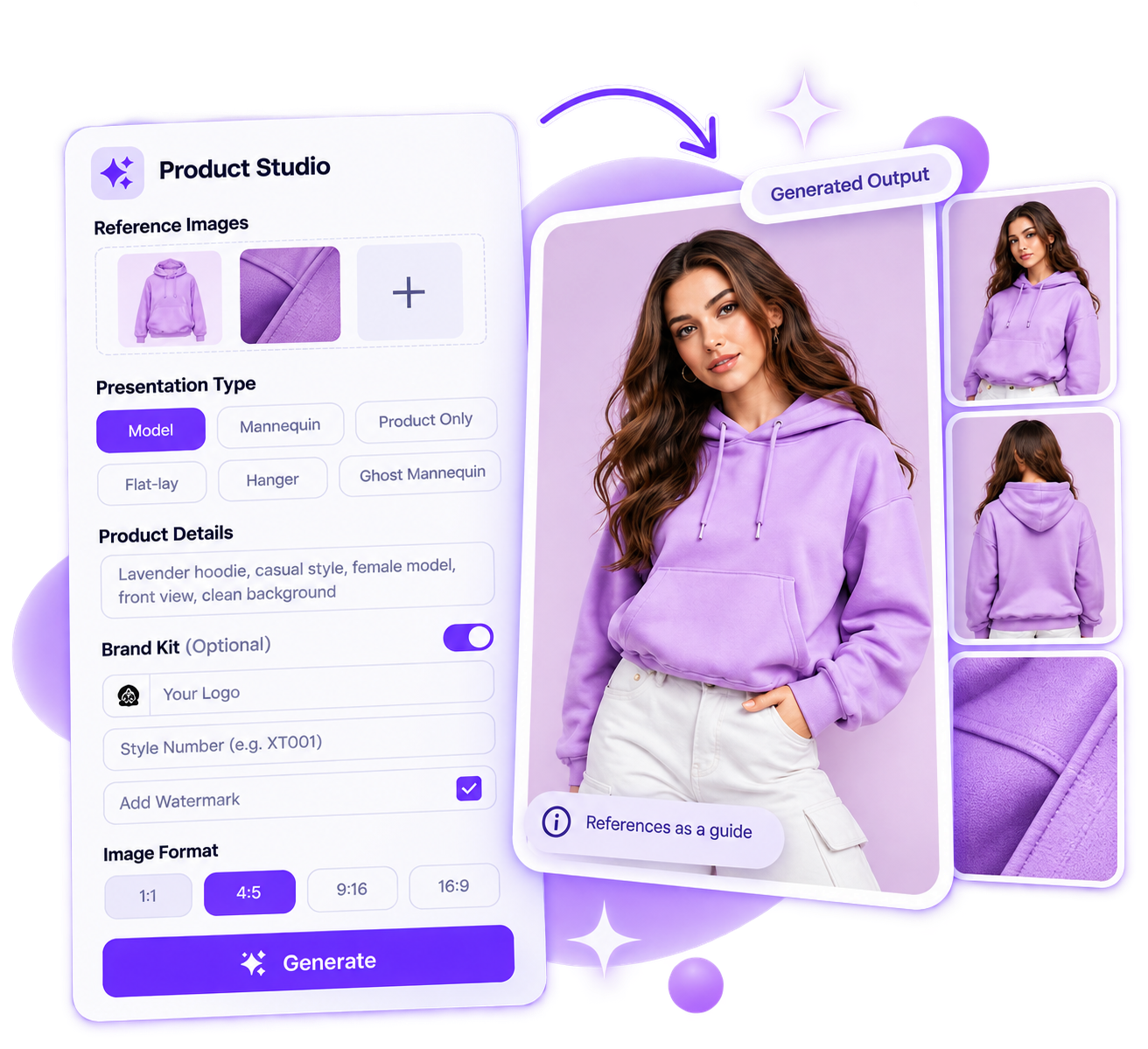
WHY XTENSOFT
Bring the product brief, generated draft, team feedback, and next publishing step into one clear workflow.
References and garment details stay beside the content your team reviews.
Review media and copy before content moves forward.
Use shared workspace access, notifications, and approval controls.
Check credit estimates and available balance before generation.
GET STARTED TODAY
Start with product references and take the next catalog/content from creation to review.